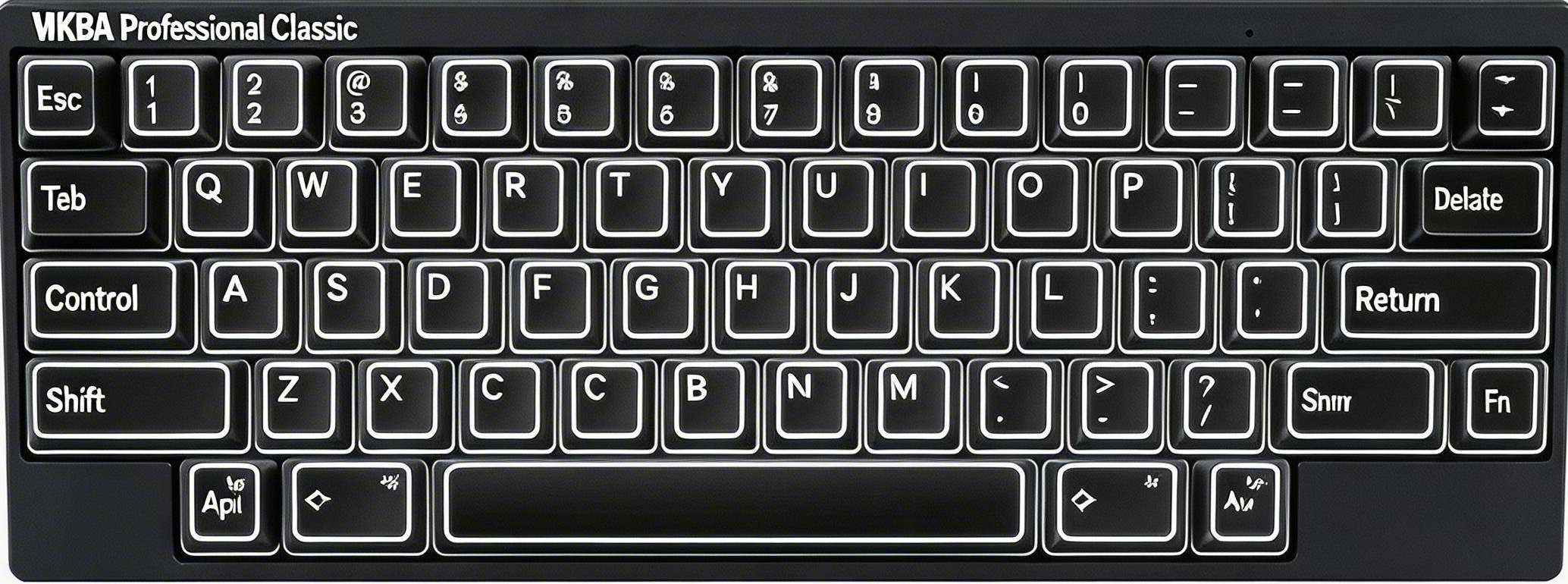
Classic only supports physical DIP switches for mode switching. SW1=OFF SW2=OFF → HHK mode. SW1=ON SW2=OFF → Lite Ext. SW1=OFF SW2=ON → Mac mode. No software switching.
$ Press ESC or click here to go back
HHKB Professional Classic Keyboard Shortcuts
HHKB Professional Classic OS Switch
Set Keyboard Mode (DIP Switches): SW1 + SW2 on back panel — Classic only supports physical DIP switches for mode switching. SW1=OFF SW2=OFF → HHK mode. SW1=ON SW2=OFF → Lite Ext. SW1=OFF SW2=ON → Mac mode. No software switching.
HHKB Professional Classic Fn Layer
F1–F12: Fn + 1–9, 0, -, = — Number row doubles as F1–F12 through Fn layer. Same mapping as Professional Hybrid.