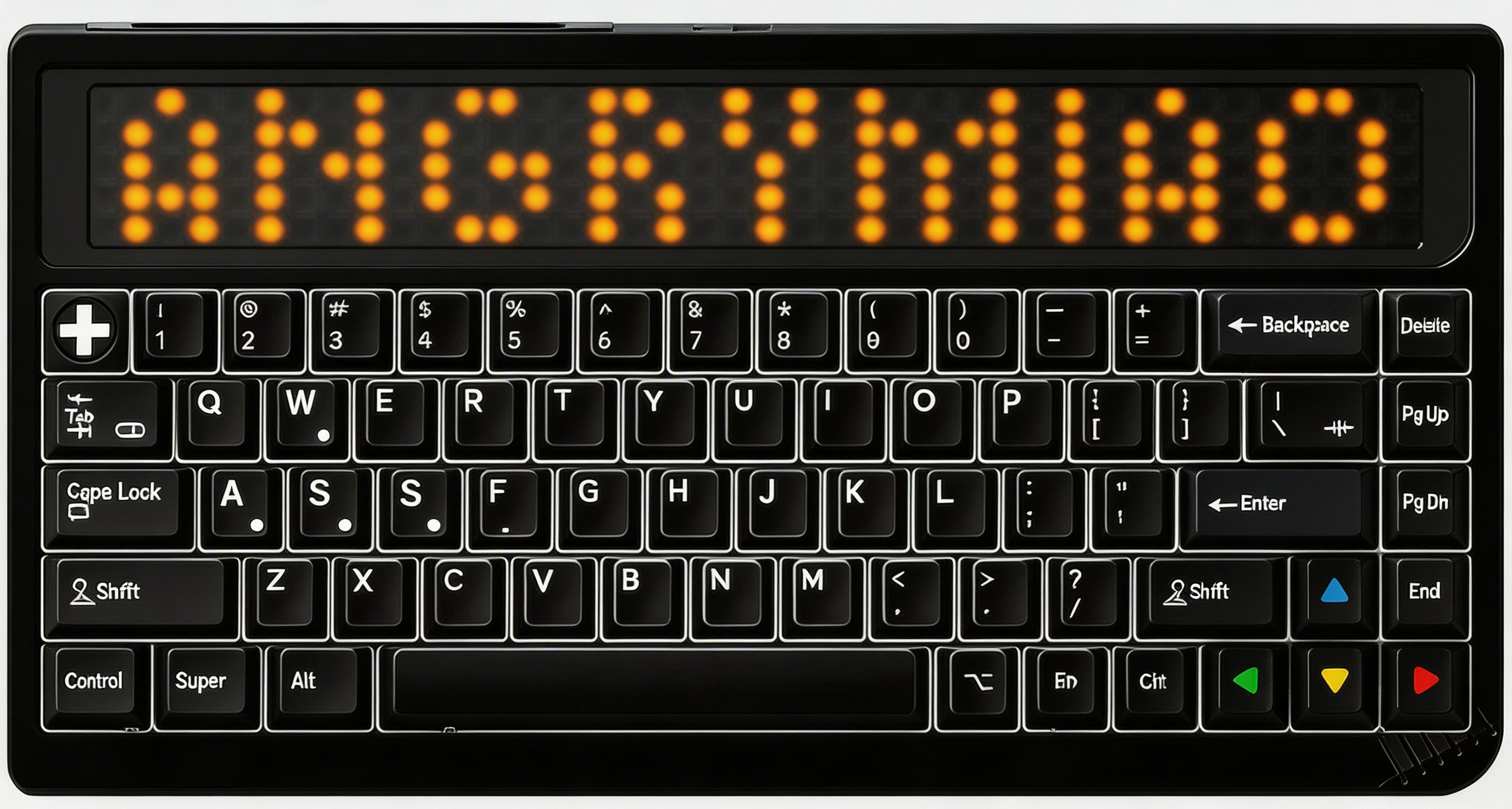
Enter Bluetooth pairing mode for device slot 1. The Q key lights up white continuously while pairing (other in-switch LEDs are disabled). Bluetooth 5.1 supported.
$ Press ESC or click here to go back
Angry Miao RGB 65 Keyboard Shortcuts
Angry Miao RGB 65 Bluetooth
Pair Device 1: Fn + Q (hold 3s) — Enter Bluetooth pairing mode for device slot 1. The Q key lights up white continuously while pairing (other in-switch LEDs are disabled). Bluetooth 5.1 supported.
Pair Device 2: Fn + W (hold 3s) — Enter Bluetooth pairing mode for device slot 2. The W key lights up white continuously while pairing.
Pair Device 3: Fn + E (hold 3s) — Enter Bluetooth pairing mode for device slot 3. The E key lights up white continuously while pairing.
Switch Bluetooth Device: Fn + Q/W/E — Short press to switch between previously paired Bluetooth devices 1/2/3.
2.4G Wireless Connection: Fn + R (hold 3s) — Establish a 2.4G wireless connection using the included USB receiver dongle. The R key lights up white continuously while connecting.
Angry Miao RGB 65 LED Screen
Cycle LED Screen Effects: Fn + F12 — Cycle through the programmable LED screen display modes including battery level, Bluetooth indicator, clock, and 4 other preset effects.
Toggle LED Screen: Fn + F10 — Turn the custom LED screen panel on or off to conserve battery.
Customize LED Screen via DIY: diy.angrymiao.com — Design custom LED screen animations and displays through the web-based Angry Miao DIY configurator. The screen doubles as a battery and Bluetooth status indicator.
Angry Miao RGB 65 Lighting
Toggle In-Switch LEDs: Fn + F9 — Enable or disable the per-key RGB LED backlighting.
Cycle LED Effects: Fn + F11 — Cycle through available in-switch RGB lighting effects.
Increase LED Brightness: Fn + = — Increase the brightness of the in-switch RGB backlighting.
Decrease LED Brightness: Fn + - — Decrease the brightness of the in-switch RGB backlighting.
Angry Miao RGB 65 Media
Mute: Fn + F1 — Mute/unmute the system audio output.
Volume Down: Fn + F2 — Decrease the system volume.
Volume Up: Fn + F3 — Increase the system volume.
Previous Track: Fn + F4 — Skip to the previous media track.
Next Track: Fn + F5 — Skip to the next media track.
Play / Pause: Fn + F6 — Toggle media playback between play and pause.
Angry Miao RGB 65 Special
Power On/Off: Fn + Esc (long press) — Long press Fn+Esc to toggle the keyboard power on or off.
Factory Reset: Fn + Backspace (hold 5s) — Restore keyboard to factory default settings. Hold for 5 seconds to confirm.
Check Battery Level: Fn + P — Display battery level on the LED screen. The dual 5000mAh batteries (10,000mAh total) provide extended wireless usage.
Auto Wired/Wireless Switch: Plug/unplug USB — The keyboard automatically switches between wired USB-C and Bluetooth/2.4G modes when the cable is plugged in or removed.
Key Remapping via DIY: diy.angrymiao.com — As a 65% keyboard, the function row is accessed via Fn+number row. All keys can be remapped through the Angry Miao DIY web configurator.