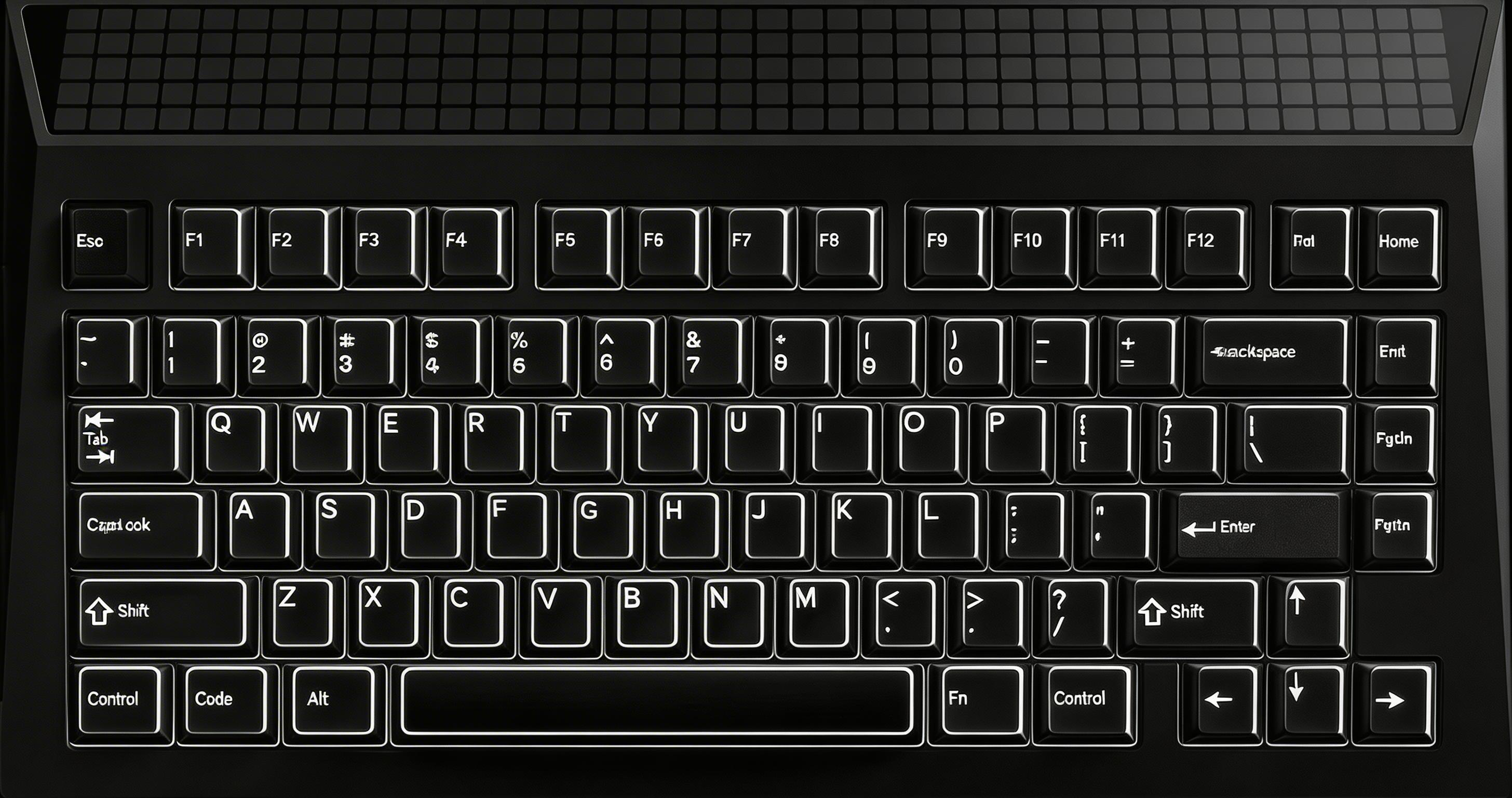
Enter Bluetooth pairing mode for device slot 1. The LED panel icon starts blinking and stops when paired successfully.
$ Press ESC or click here to go back
Angry Miao Cyberboard R3 Keyboard Shortcuts
Angry Miao Cyberboard R3 Bluetooth
Pair Device 1: Fn + 1 (hold 5s) — Enter Bluetooth pairing mode for device slot 1. The LED panel icon starts blinking and stops when paired successfully.
Pair Device 2: Fn + 2 (hold 5s) — Enter Bluetooth pairing mode for device slot 2. The LED panel icon starts blinking and stops when paired successfully.
Pair Device 3: Fn + 3 (hold 5s) — Enter Bluetooth pairing mode for device slot 3. The LED panel icon starts blinking and stops when paired successfully.
Switch Bluetooth Device: Fn + 1/2/3 — Short press to switch between paired Bluetooth devices. The LED panel shows the device icon for 5 seconds before resuming the previous display.
Angry Miao Cyberboard R3 LED Panel
Switch LED Effects: Fn + F12 — Cycle through available LED panel display effects on the 5x40 dot matrix (200 LEDs, 256 colors).
Toggle LED Panel: Fn + F10 — Turn the LED dot matrix panel display on or off.
Increase LED Brightness: Fn + Up — Increase the brightness of the LED dot matrix panel.
Decrease LED Brightness: Fn + Down — Decrease the brightness of the LED dot matrix panel.
Check Battery Level: Fn + F12 — Display current battery percentage on the LED panel. When below 5%, the panel forces a red battery warning until drained. Press Fn+F11 to dismiss.
Customize LED Effects via DIY: diy.angrymiao.com — Create custom LED panel animations using the web-based DIY editor. Download the config file and flash via the Angry Miao Loader app (Windows, USB required).
Angry Miao Cyberboard R3 Media
Mute: Fn + F1 — Mute/unmute the system audio output.
Volume Down: Fn + F2 — Decrease the system volume.
Volume Up: Fn + F3 — Increase the system volume.
Previous Track: Fn + F4 — Skip to the previous media track.
Next Track: Fn + F5 — Skip to the next media track.
Play / Pause: Fn + F6 — Toggle media playback between play and pause.
Angry Miao Cyberboard R3 Special
Factory Reset: Fn + R (hold 5s) — Restore keyboard to factory default settings. Hold for 5 seconds to confirm.
Wired/Wireless Auto-Switch: Physical switch (bottom) — Toggle between wired USB and Bluetooth modes using the physical dual-mode switch on the bottom of the keyboard. R3 removed this switch; simply unplug the cable to switch to Bluetooth automatically.
Auto Sleep in Bluetooth Mode: Any key to wake — After 15 minutes of standby in Bluetooth mode, the LED panel auto-dims while maintaining the Bluetooth connection. Press any key to wake.